
The page opens, but you cannot get in
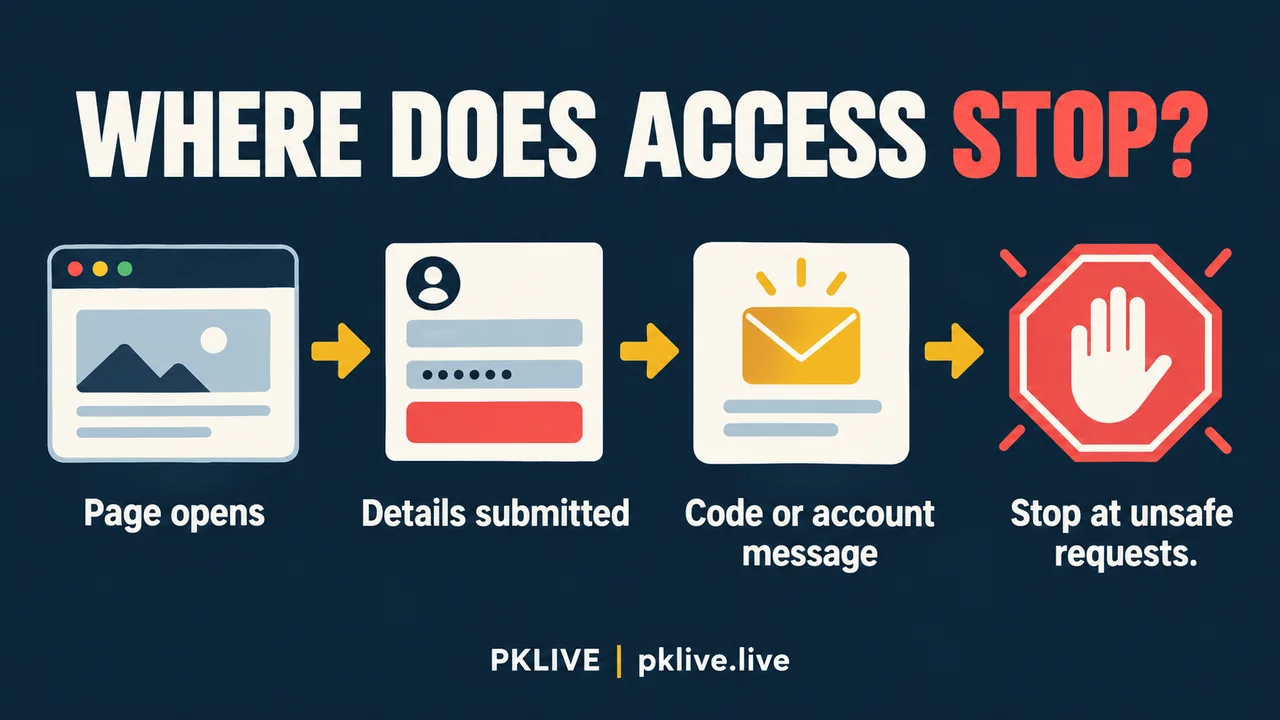
If the page loads but your PK LIVE login fails, identify the point where it stops before trying again: account details, password, a code request, or a restriction message. Stop entering credentials if the address is unfamiliar, a security warning appears, or someone asks you to send a code in chat.
This is general troubleshooting, not a verified PK LIVE service procedure. No login screen or recovery flow has been tested for this article. The pklive.live Contact page describes editorial support, not private account recovery. Use the service where you actually created the account for an access decision.
A blank page belongs to a different problem. If you cannot reach any form or readable account page, investigate loading first. Changing a password while the page itself is failing adds another variable without showing whether the original password was wrong.
By PKLIVE. Publication date: 2026-10-19. Sources checked October 17, 2026. For adults legally eligible to participate; this article does not establish account or regional eligibility.
Describe the failure before choosing a fix
Write down the visible message exactly, including whether it appeared before or after submission. The categories below are editorial descriptions, not confirmed labels used by PK LIVE. A message with no explanation is an unknown result, not evidence of a ban, outage or lost account.
| What you observe | Question to resolve | Useful next move |
|---|---|---|
| Details are rejected | Was the intended saved account selected? | Compare the identifier locally; do not send the password. |
| A requested code does not arrive | Do you still control its intended destination? | Check the destination shown, if any, without guessing missing digits. |
| A restriction message appears | Which rule or account decision is named? | Preserve the wording and seek a written explanation. |
| Submission returns no clear result | Did anything change on screen? | Record the result; do not assume another submission is harmless. |
When saved details point to the wrong account
A phone may hold more than one saved login. Inspect the entry selected by the password manager and the address it belongs to. Correct a visible typing error privately, and check whether the keyboard inserted a space or changed the text. These checks do not require revealing credentials to another person.
Hypothetical example: a reader has an old email address and a newer one saved on the same phone. The browser fills the older address while the reader types the newer account’s password. That combination could explain a rejection on a generic service, but it does not prove this is the cause of a PK LIVE failure. The useful action is to establish which account was intended before attempting recovery.
Do not create a second account to work around a restriction. Likewise, do not keep cycling through possible passwords or borrow someone else’s login. Once you cannot identify an input mistake, further guesses provide little useful evidence and may complicate the case.
A missing code is a delivery question
If the service actually offers a code step, separate a missing message from an expired or rejected message. They are different observations. Check the destination and delivery method stated on the page, if present. This article cannot confirm whether PK LIVE uses SMS, email, an authenticator, or any particular resend control.
Use only the code belonging to the request you can identify, following the current service instructions. Several overlapping requests make it harder to know which message relates to which attempt. Do not forward a code, read it to an unsolicited caller, or pay someone who promises to obtain it for you.
Losing access to the registered phone or email changes the task. A browser setting cannot establish ownership of an old number. Ask the verified service what recovery route exists for an inaccessible destination; do not assume the destination can be changed without an account check.
Keep an access note without exposing access
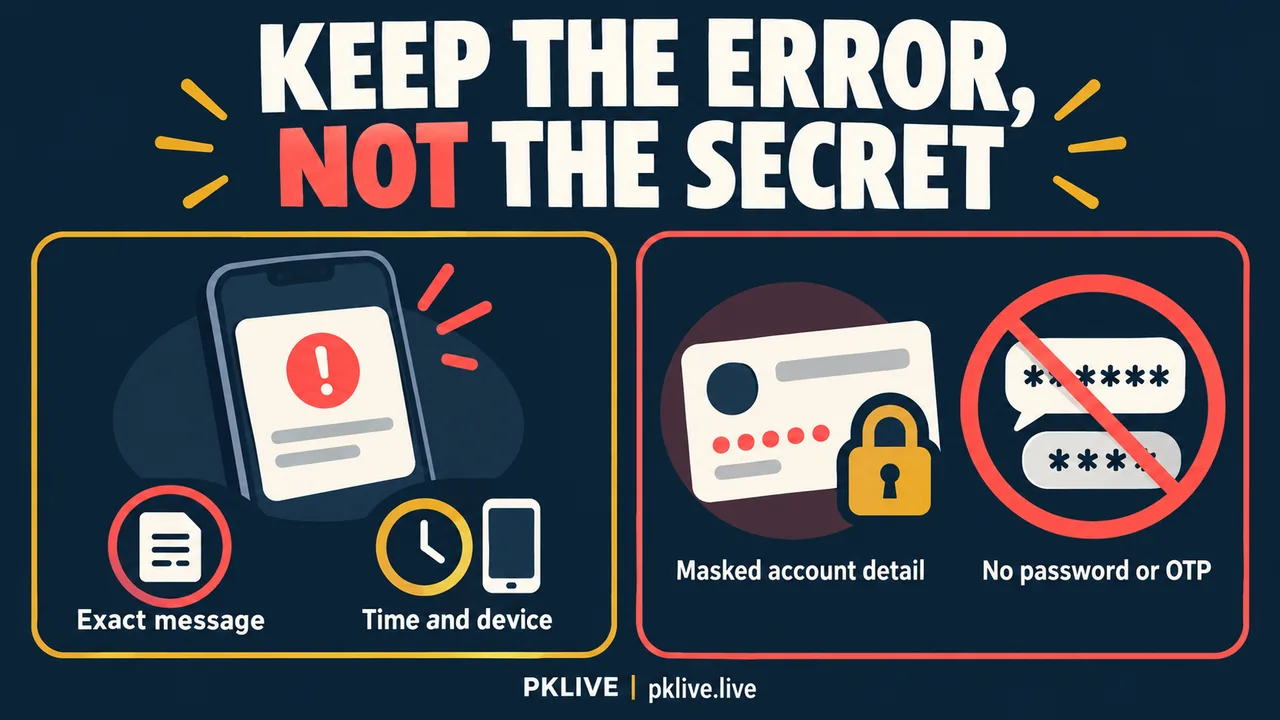
The most useful note explains where the failure happened and what you can still control. It is not a bundle of passwords or identity documents. Keep an unredacted record privately if needed; share only what a verified channel needs for the access question.
| Include in an initial description | Leave out |
|---|---|
| Page address without private tokens; device and browser | Password-manager exports and recovery links |
| Exact error wording and local time with time zone | Password, OTP or recovery code |
| Whether the registered contact channel is accessible | Full SIM records or unrelated identity files |
| Whether the page loaded before the error | Screenshots exposing other accounts |
- Say whether the failure happened before or after credentials were submitted.
- Distinguish a message you saw from a cause you suspect.
- Ask which recovery option applies when the registered contact channel is unavailable.
Know when local troubleshooting has ended
A hypothetical useful question is: ‘The page loads, but submission shows an account-restriction message. I still control the registered contact channel. Which account review or recovery route applies?’ This asks for a decision without inventing the reason for the restriction or providing secrets.
Stop local attempts when the page reports a restriction, ownership of the recovery channel is unresolved, or the destination cannot be established. If access returns, check that you reached the intended account before taking any money-related action. A successful login alone does not resolve a separate missing payment.
The existing account-verification guide addresses document requests, while the support-escalation guide covers follow-up records. Neither establishes this service’s login policy. This article offers a way to describe the failure, not an assurance that recovery is available or will succeed.
Sources, method and limits
These checks distinguish possible failure points; they do not confirm a particular account recovery procedure. We checked public publishing notices, not a private account interface. Code delivery, account restrictions and recovery options must be confirmed with the service that holds your account.
This article was prepared with AI assistance and reviewed for source consistency. Examples explain decisions; they are not accounts of a deposit, withdrawal or game test.
Related reading
- Casino Privacy and Data Safety Checklist Philippines: What to Share and What to Question
- Casino Customer Support Escalation Guide Philippines: What to Send, Save, and Avoid
- Casino Account Verification Checklist Philippines: Documents, Privacy, and Red Flags
- PK LIVE Philippines Guide: How to Check Games, Payments, and Risk
- Responsible Gaming
The button below opens a separate partner service. Its account, payment and privacy terms apply. Read our Affiliate Disclosure before leaving this publishing site.